
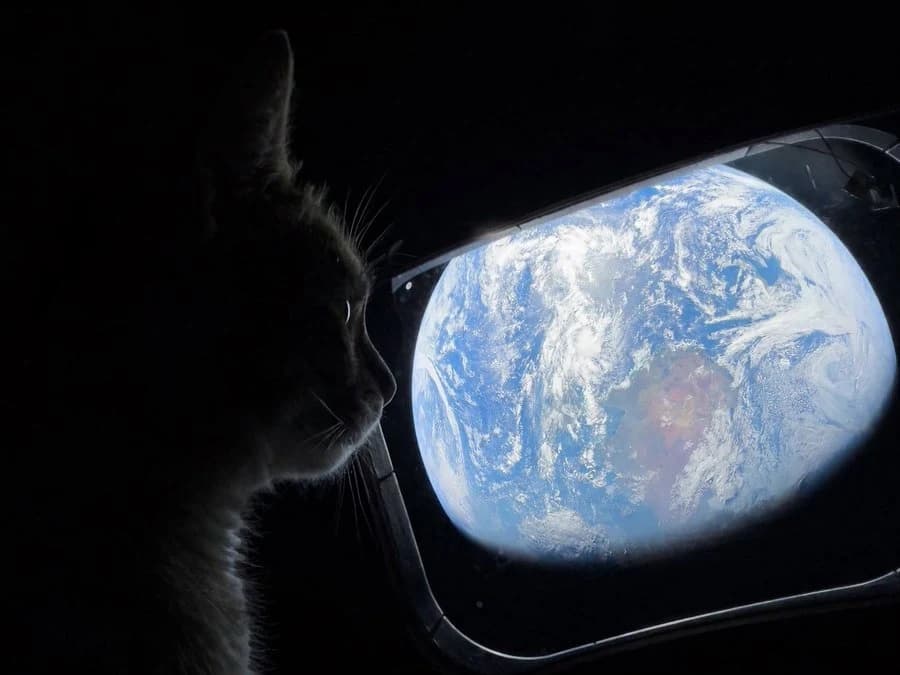
A cat's view of Earth
GPT Image 2.5: Generate and Edit Images Online, Free to Start
Generate with GPT Image 2.5 for free. Turn simple prompts into detailed, polished images, or upload a photo and change one thing while the rest stays exactly as it was. Pick Flare for speed or Sunburst for precision, at 1K to 4K.
10 free credits on signup · No card required · Independent site, not operated by OpenAI
GPT Image 2.5 AI Image Generator: Pick Flare or Sunburst
Runs in your browser — no API key, no install, nothing to download. A new account starts with 10 credits, enough for 10 images at default settings.
Examples to try
5The GPT Image 2.5 generator runs in two modes. Text to image starts from a written description. Edit image starts from a photo you upload, and takes up to 16 reference images if you are combining sources. Pick a mode, write a prompt, and generate.
Choose your model
Flare for speed, Sunburst for precision. Both GPT Image 2.5 variants cost 1 credit at 1K and medium quality. Some 2K rates differ, and each comparison run uses credits.
Set the output
Resolution at 1K, 2K, or 4K. Quality across five tiers from low to max. Export as PNG, JPEG, or WEBP. PNG is the one to pick when you need a transparent background.
See the cost before you commit
The credit cost for your current settings shows above the Generate button. At 1K and medium quality that is 1 credit; 4K at max quality is 25.
What is GPT Image 2.5?
GPT Image 2.5 is the OpenAI image model that generates pictures from a text description and edits photos you already have, from plain-language instructions.
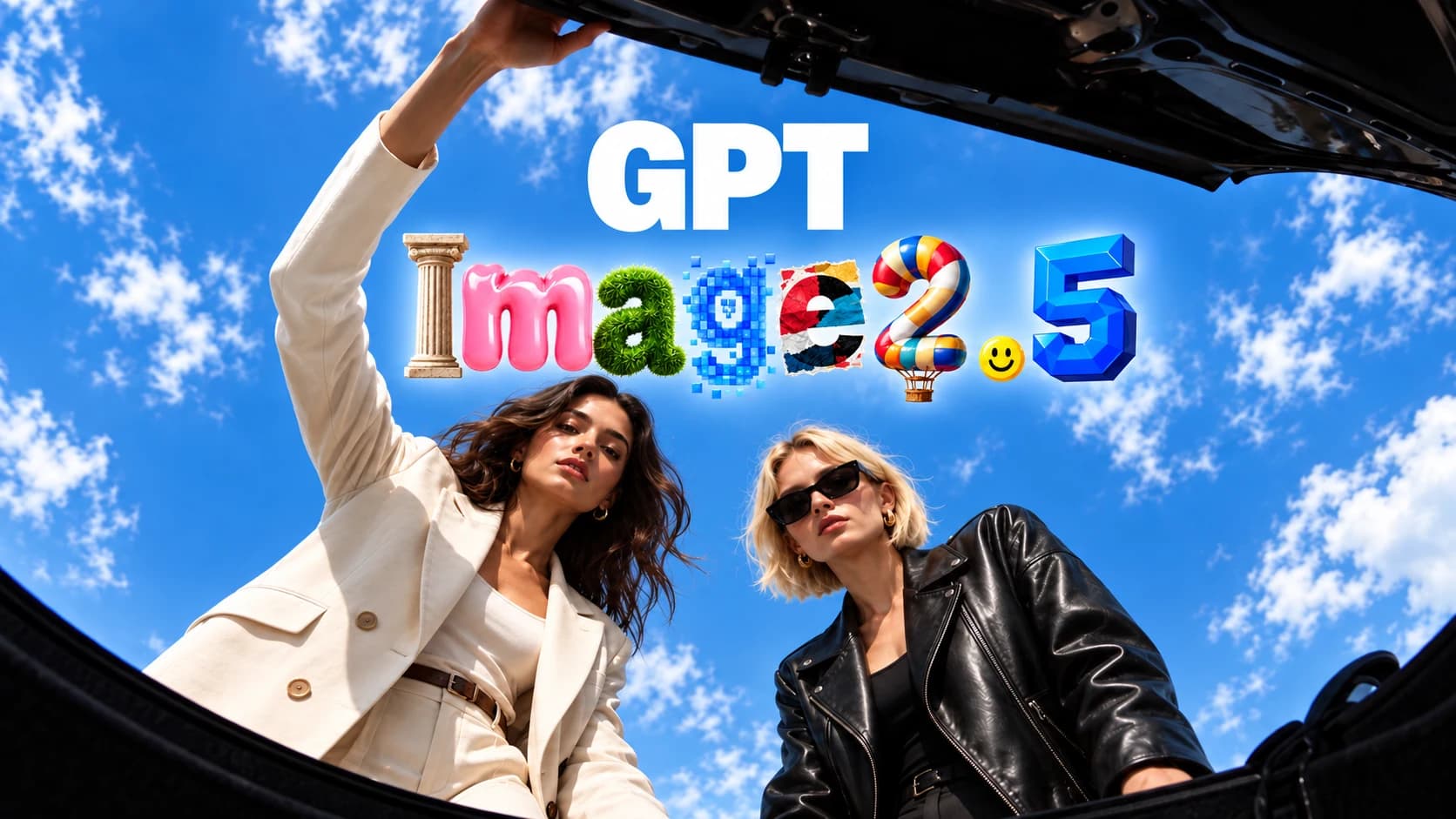
People create more than 3 billion images a week through ChatGPT Images and the GPT-Image models in the API. That is the scale GPT Image 2.5 was built to serve, and it replaced GPT Image 2 in both ChatGPT and the OpenAI API. OpenAI describes three changes over the previous model: sharper detail with more natural lighting and richer texture, better preservation of the subjects in your reference photos, and more reliable instruction-following across a long editing session.
OpenAI also cut generation latency by up to 50% for the Flare variant compared with GPT-Image-2. That figure applies to Flare specifically, not to both models — Sunburst deliberately takes longer in exchange for finer control.
The model ships in two variants. GPT Image 2.5 Flare is the everyday option and OpenAI calls it the default choice for most applications. GPT Image 2.5 Sunburst is built for high-end visual work where editing precision matters more than speed.
You may also see it written as ChatGPT Image 2.5, or ChatGPT Images 2.5 in the plural. OpenAI uses those names for the consumer rollout inside ChatGPT and the GPT-Image-2.5 naming for the API models. They are all the same model family.
One thing worth separating out: pre-made templates, image comments, and prompt sharing are ChatGPT product features rather than model capabilities, and this site does not provide them. Sketch is the exception — this site has its own browser drawing board that feeds your sketch into the GPT Image 2.5 generator as a reference image.
GPT Image 2.5 Key Features
Create with More Precision, Control, and Speed. GPT Image 2.5 brings higher image fidelity, more precise editing, faster generation, and flexible visual workflows to every creation.
Sharper detail and more natural light
GPT Image 2.5 renders more natural lighting and richer texture than GPT Image 2.0 did. Scenes get depth instead of the flat look that gave earlier AI images away. OpenAI positions this as the headline quality change of the release.
Subjects that stay recognizable
Feed GPT Image 2.5 a reference photo and the person, pet, or product stays identifiable in the new scene. OpenAI describes it as better at moving familiar subjects into new settings, visual styles, and compositions while keeping distinguishing features intact.
Edits that change only what you asked for
Ask for one change and GPT Image 2.5 makes that change, leaving the rest of the frame alone — even with complex subjects and backgrounds. You can update a product, a background, or a line of copy while the surrounding composition and brand styling stay put.
Multi-turn editing that holds up
Across a long editing session, GPT Image 2.5 is more likely to let earlier changes survive later ones. Each new edit builds on what came before instead of degrading image quality over time. This is the feature that makes iterative work practical rather than a race against drift, and it is the single clearest upgrade over the previous generation.
Transparent backgrounds and complex layouts
GPT Image 2.5 handles more complicated layouts, including transparent backgrounds — export as PNG to keep the alpha channel, which is what you want for a logo or a product cutout that has to sit on someone else's page. Images containing real-world information come out more accurate, and the model holds a requested visual direction as instructions get more specific.
Resolution, quality tiers, and output formats
The GPT Image 2.5 quality settings run across five tiers — low, medium, high, xhigh, and max — and pair with three resolutions: 1K, 2K, and 4K. The two choices are independent, so a fast 1K draft and a final 4K render come from the same prompt. Export as PNG, JPEG, or WEBP; pick PNG when you need the transparent background support below. Edit mode accepts up to 16 reference images in a single request, which is what makes multi-source composition work without stitching files together first.
What Can You Create with GPT Image 2.5?
Photos from a text prompt, edits to pictures you already have, product shots, posters, and repeat characters across a set — all from the two GPT Image 2.5 modes.
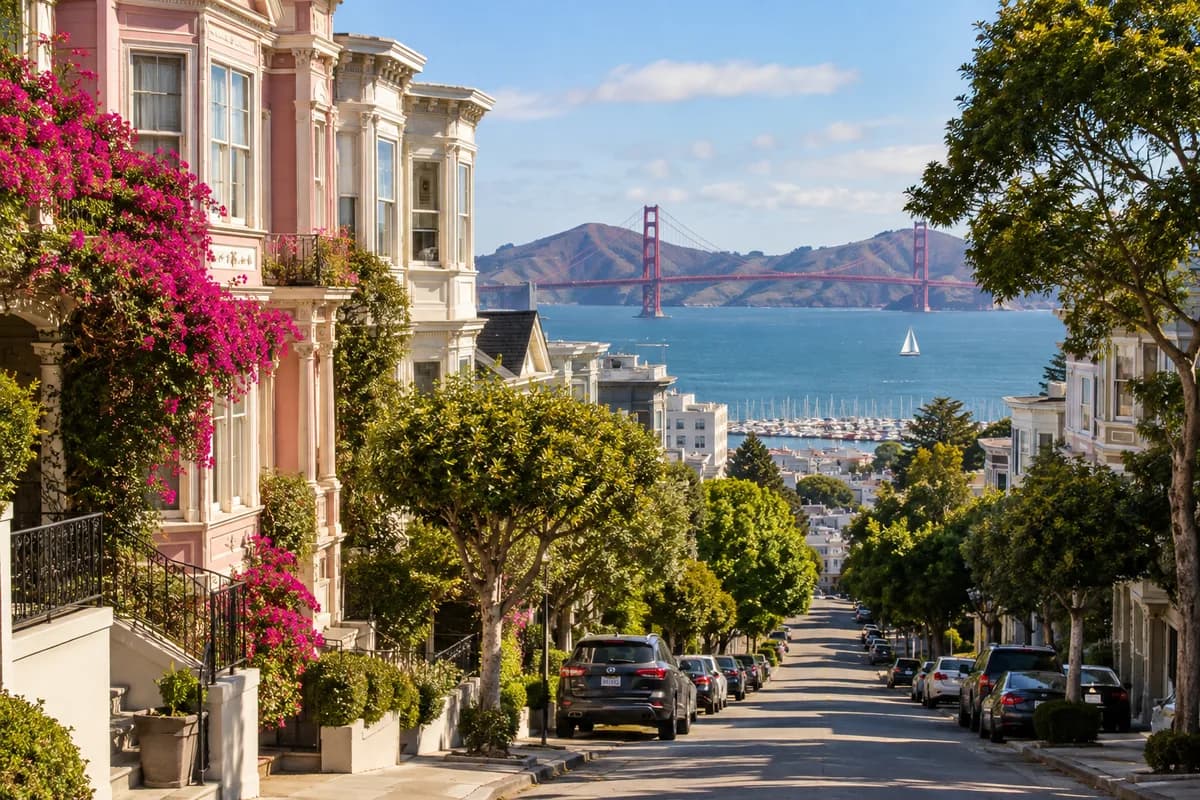
Text-to-image with GPT Image 2.5
Describe a scene and get it back at up to 4K. Detail, lighting, and texture come from the prompt, so the more specific you are about material and mood, the closer the result lands.
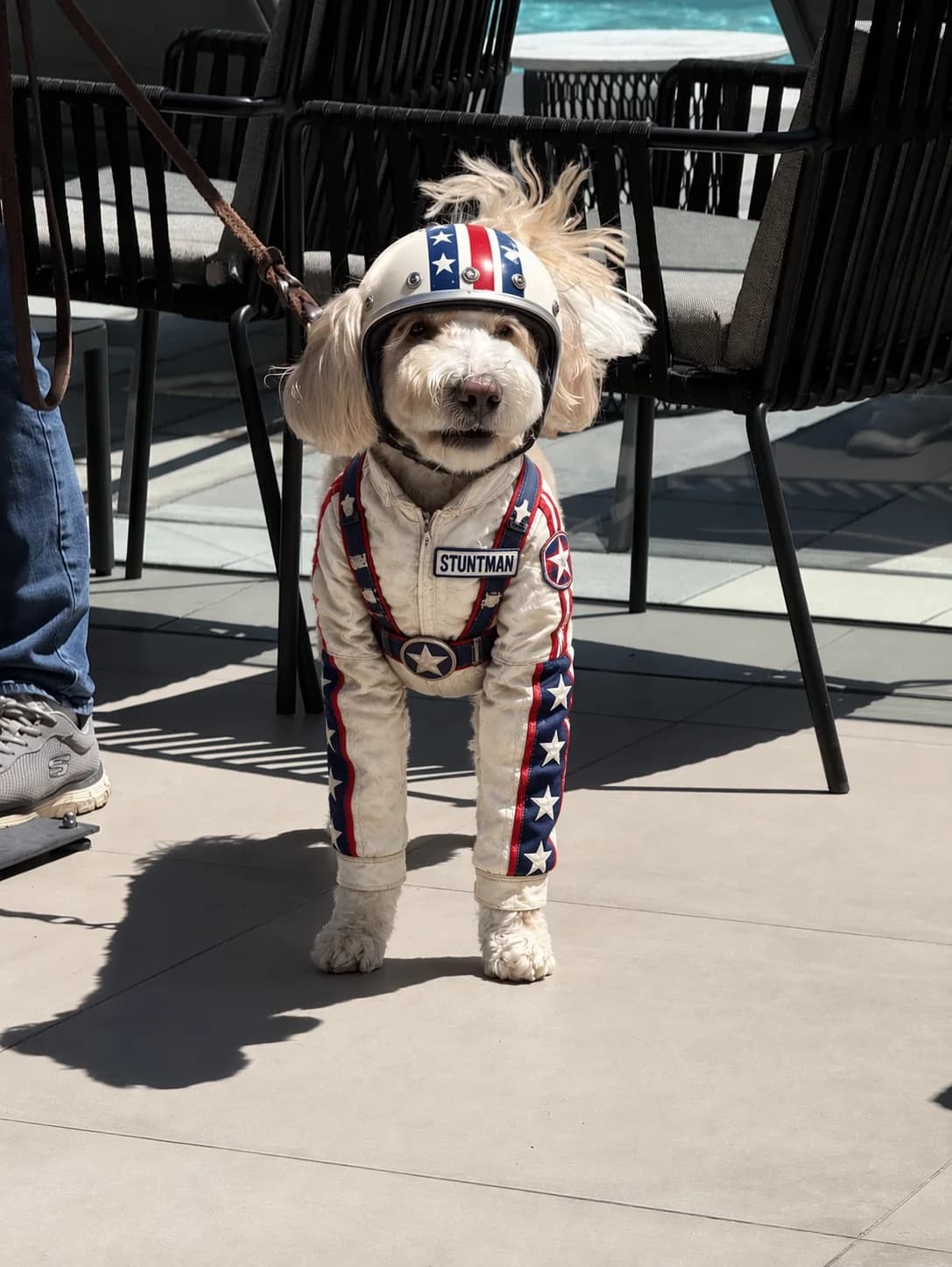
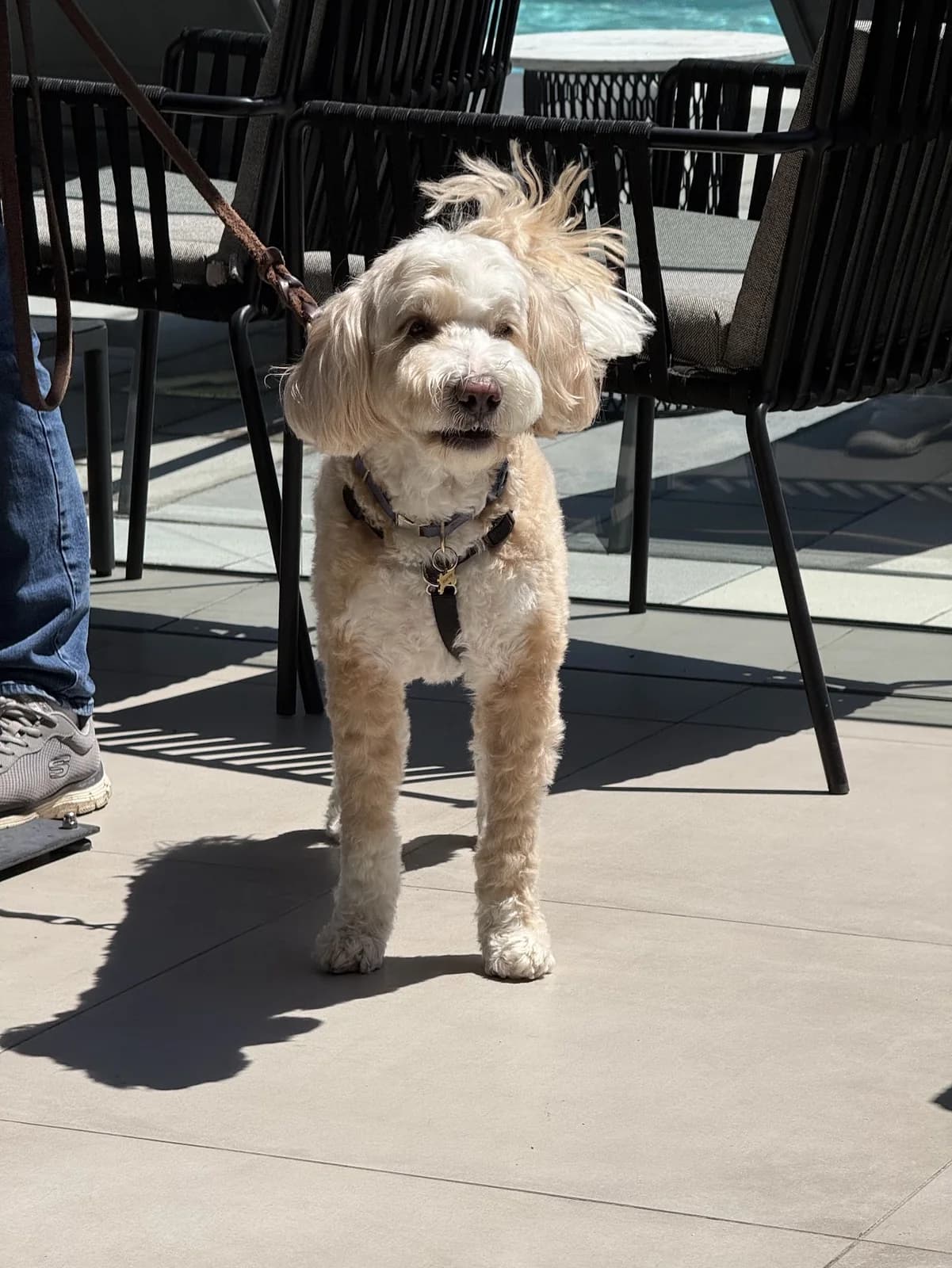
Photo editing with the GPT Image 2.5 AI image editor
Upload a picture and say what to change. Swap an outfit, clear a background, fix a detail. The parts you did not mention stay as they were.
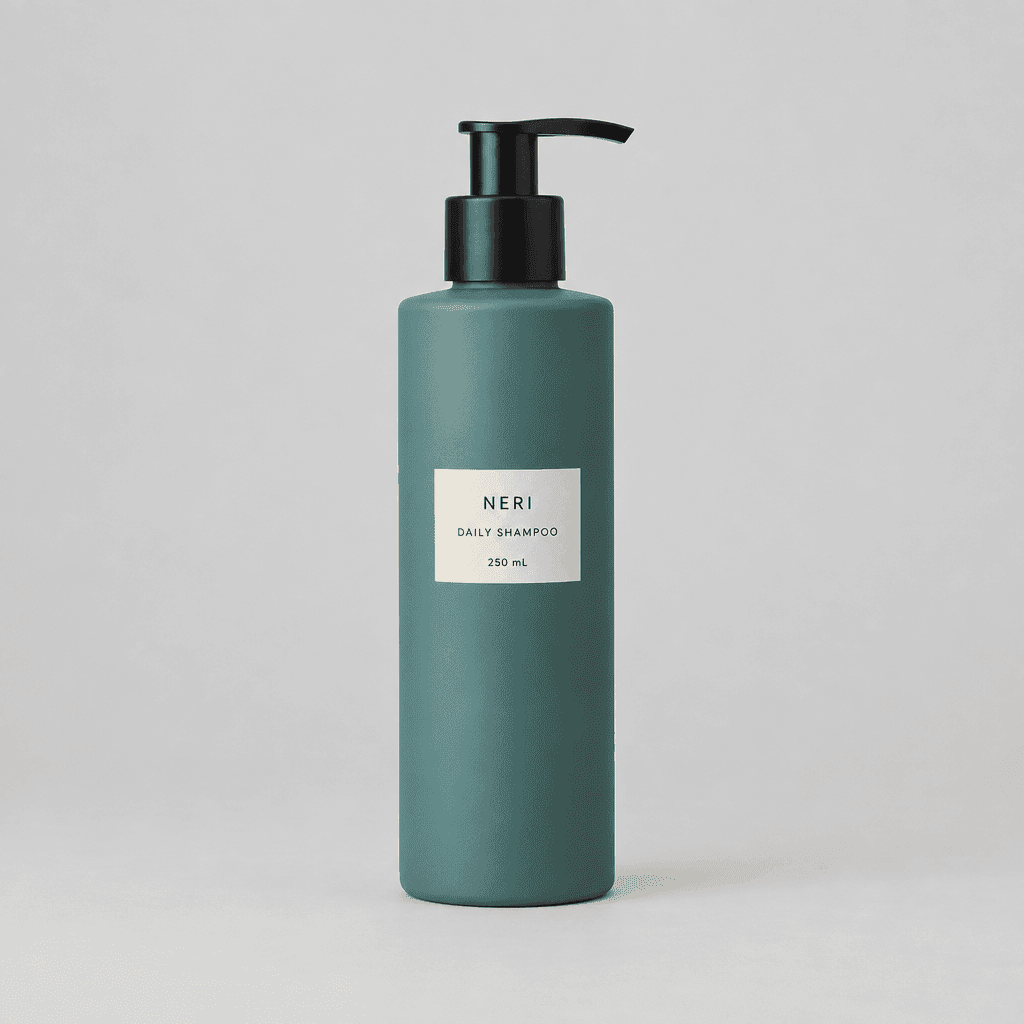
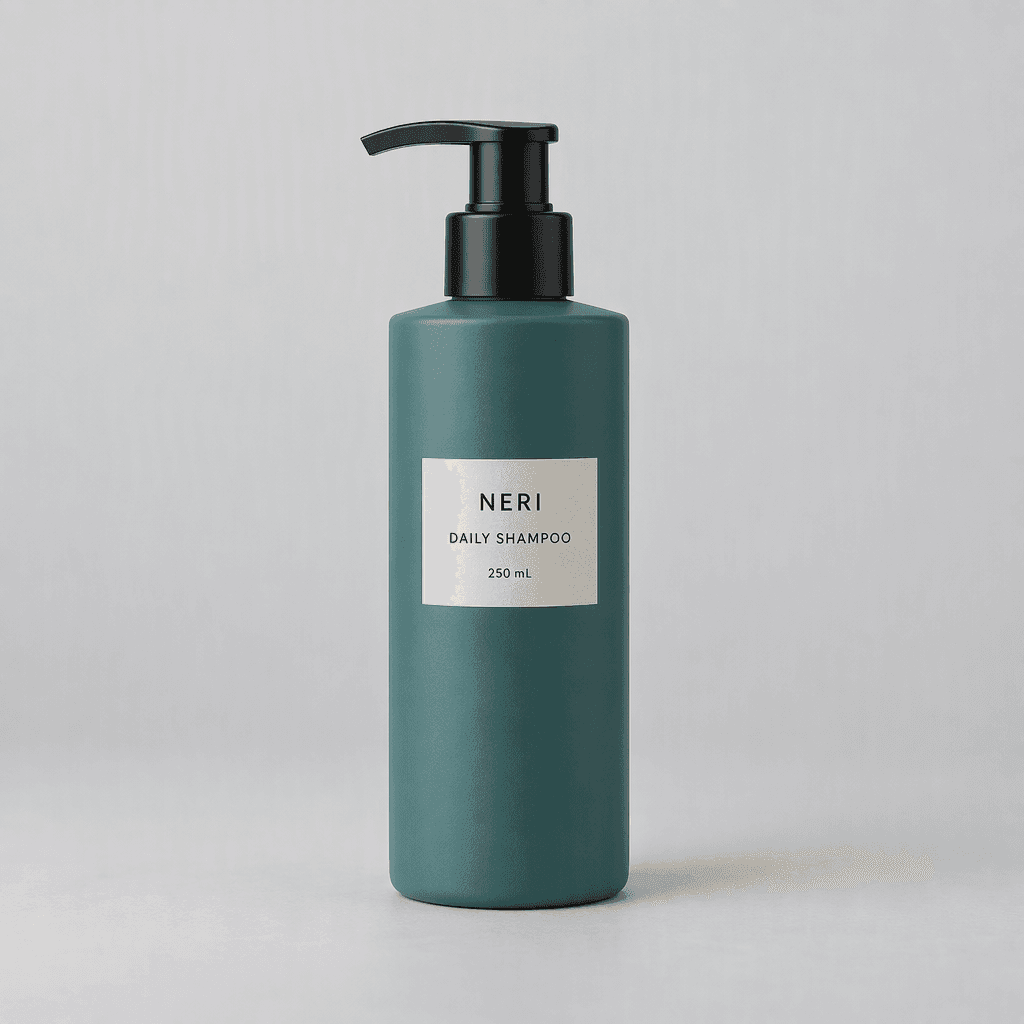
Product and packaging shots
Put the same product in different settings, lighting setups, and viewpoints without a new photo shoot. GPT Image 2.5 is useful here because a listing often needs six angles and you have one.
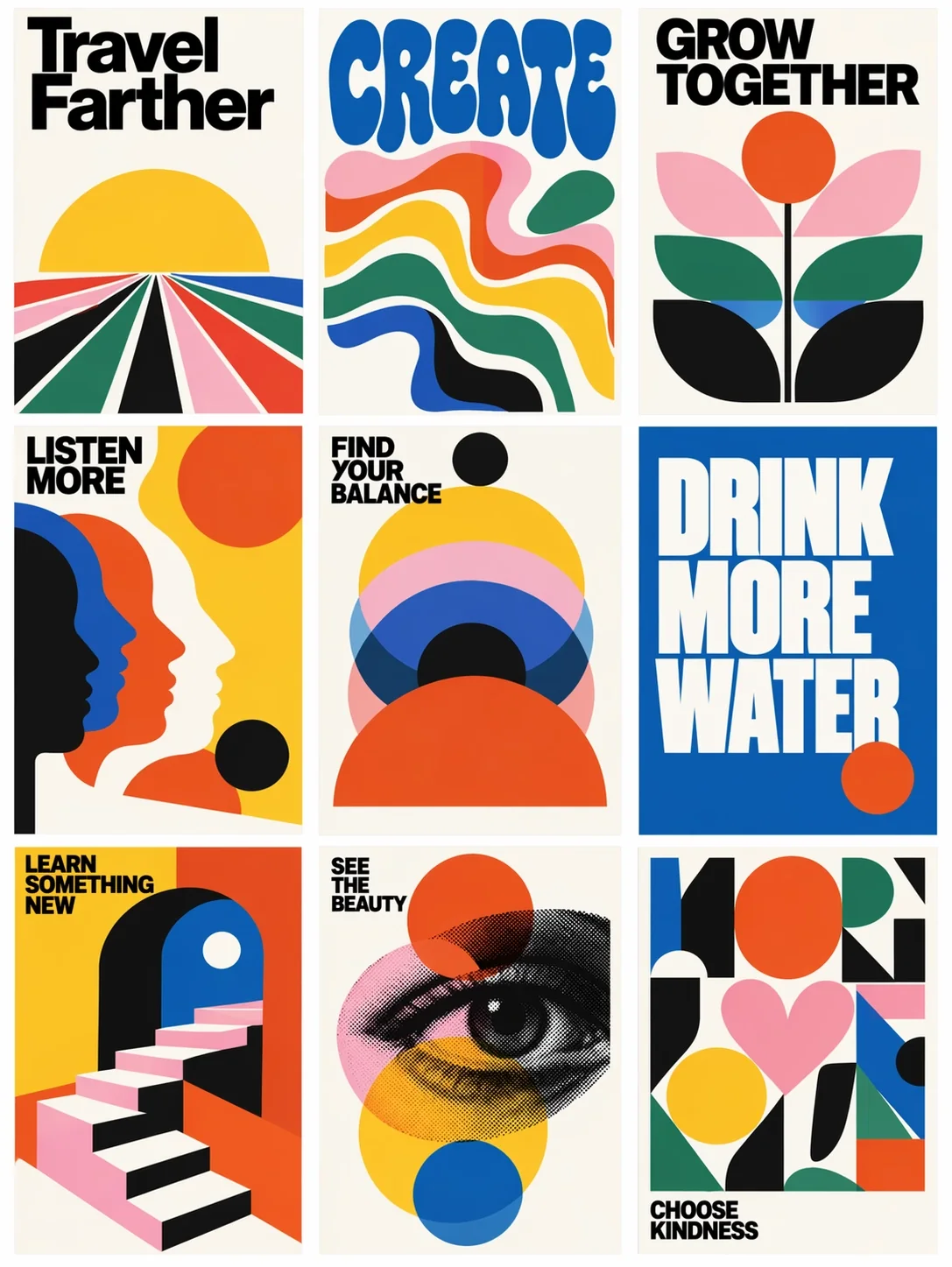
Posters and layouts with reserved space
Block out a headline area, a central image, and a footer, then describe the design. GPT Image 2.5 holds a requested hierarchy as the brief gets more specific.
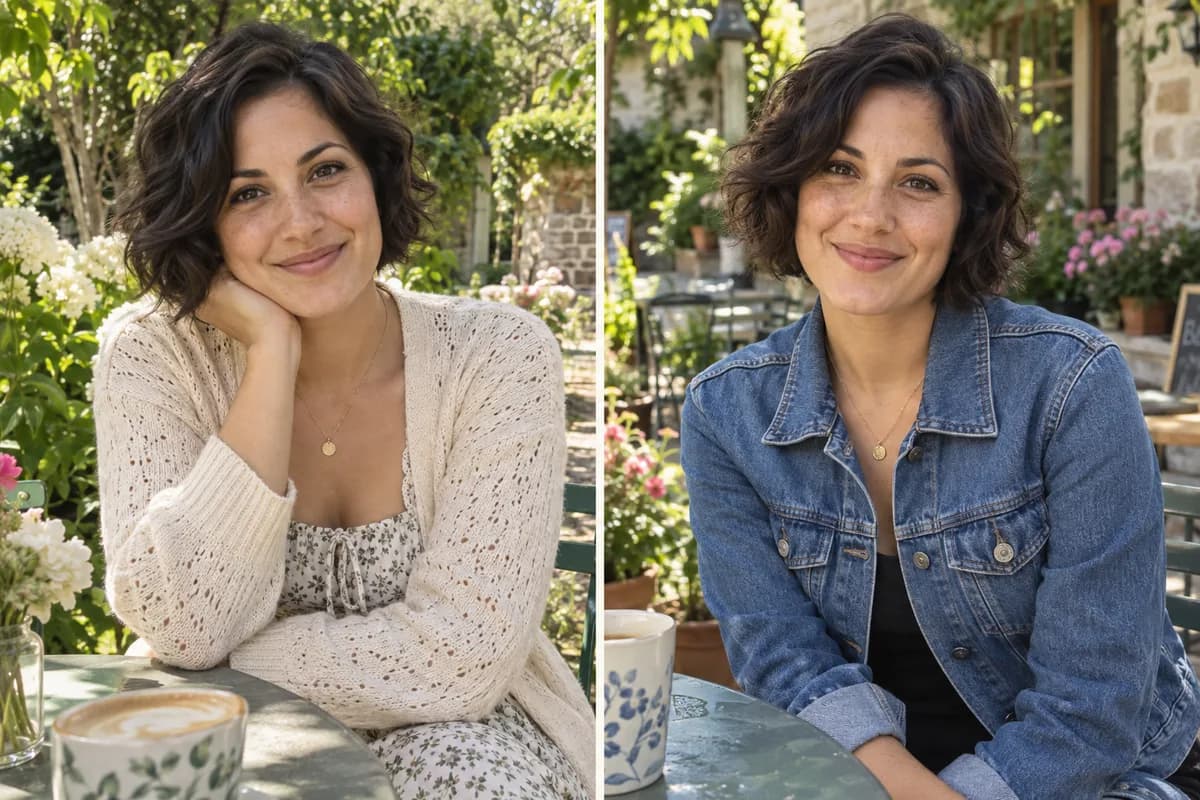
The same character across a set
Subject preservation in GPT Image 2.5 means one person or mascot can carry through a series of images instead of drifting into a different face each time.
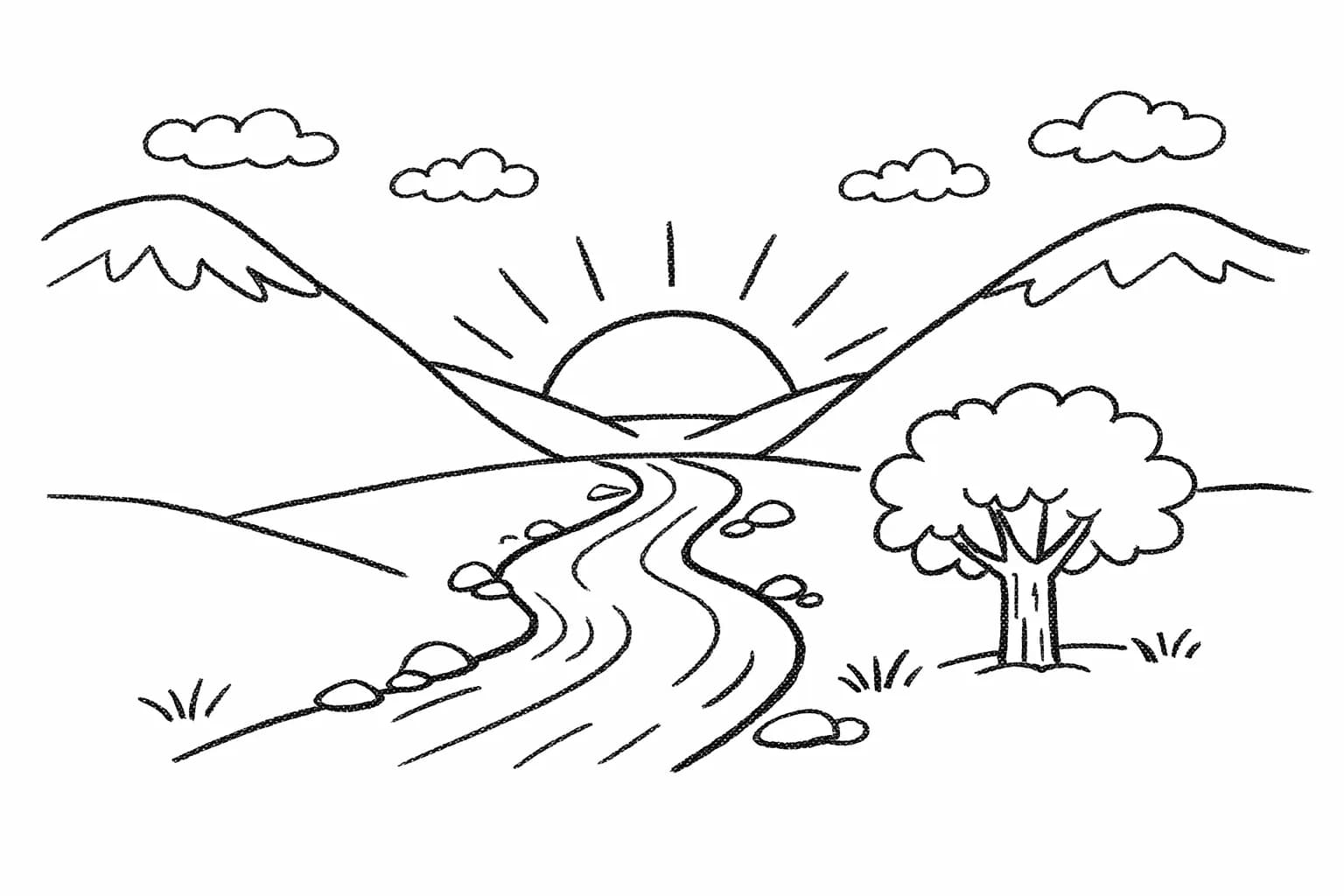
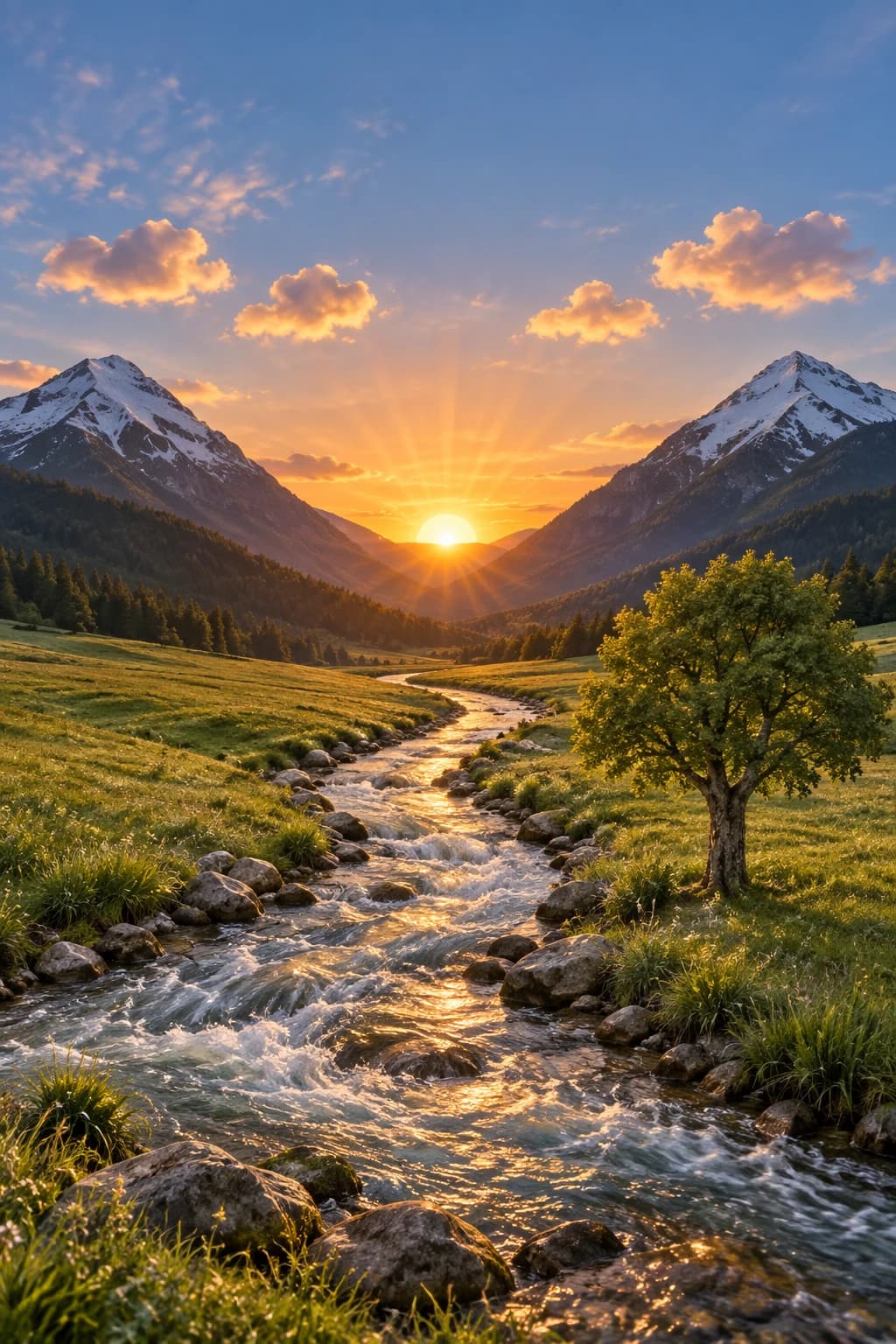
Sketch to image with GPT Image 2.5
Draw the layout on a browser canvas, then describe the finish you want. The drawing goes in as a reference and GPT Image 2.5 renders it while holding your composition in place. No drawing skill needed — rough shapes and a few labels are enough. Full walkthrough on the GPT Image 2.5 sketch to image page.
Want to see finished work rather than categories? The community gallery collects real images with their prompts and creator credits.
Who is GPT Image 2.5 Built For?
Sellers, designers working through revisions, social creators, and small teams without a photographer — the workloads OpenAI names for GPT Image 2.5.
For people selling things online
One product photo becomes a full listing set: different backgrounds, lighting, and angles. Because GPT Image 2.5 keeps the product recognizable across edits, the item in image six is still the item in image one. OpenAI lists retail among the teams already building on the image API.
For designers working through revisions
Precise editing is the GPT Image 2.5 feature that matters here. Change one element and leave the composition alone, then change the next. Multi-turn consistency means round five does not look worse than round two — which is the usual failure mode with earlier image models.
For social and content creators
GPT Image 2.5 Flare is the faster variant, so it suits high-volume work where you generate, look, adjust, and go again. Higgsfield AI, an early customer quoted by OpenAI, singles out exactly this: substantial edits without losing the original composition or visual character.
For small teams without a photographer
Marketing creative, campaign visuals, and posters that would otherwise need a shoot or a stock subscription. GPT Image 2.5 covers all three from the same prompt box. Adobe, Manus, and Runway are listed by OpenAI among early customers building on these models.
GPT Image 2.5 Flare vs Sunburst: Which One Should You Pick?
The two GPT Image 2.5 variants split on one axis: how long you are willing to wait. Flare trades some control for speed, Sunburst trades speed for control. Neither wins on both.
| GPT Image 2.5 Flare | GPT Image 2.5 Sunburst | |
|---|---|---|
| OpenAI's positioning | The default choice for most applications | Built for high-end visual workflows |
| Speed | Up to 50% lower latency than GPT Image 2.0 | Longer generation time by design |
| Editing control | Same quality and editing gains as the 2.5 family | A step up in precision across repeated edits |
| Where it loses | Less fine-grained control than Sunburst on detailed creative work | Slower — a poor fit for high-volume iteration |
| Best for | Creator content, social posts, visual search, rapid prototyping, high-volume generation | Production-ready campaign creative, polished product imagery |
| Credit cost here | 1–25 credits per image by quality and resolution | 1–25 credits per image by quality and resolution |
Pick Flare if you are going to generate, look, adjust, and generate again. The speed difference compounds across a working session, and OpenAI positions it as the default for a reason.
Pick Sunburst when the image is the deliverable — a campaign asset or a product shot that goes out as-is. The extra wait buys precision that matters on the last 10% of the work.
Both variants cost 1 credit at 1K and medium quality here. Your credit cost is set by model, quality, and resolution; some 2K rates differ, and trying both on the same prompt uses credits for each run. Whether you searched for GPT Image 2.5 Flare vs Sunburst or GPT Image 2.5 Sunburst vs Flare, the trade-off is the same one in both directions.
For measured generation times and real side-by-side output, see the full GPT Image 2.5 Flare vs Sunburst review. Looking for the comparison against the previous generation instead? That lives on GPT Image 2.5 vs GPT Image 2. For Sunburst specifics, see the GPT Image 2.5 Sunburst page.
Why Use This GPT Image 2.5 Generator
Plenty of sites run GPT Image 2.5. What separates them is the pricing model, what they hide, and whether they are honest about what they are.
Both models, no API key
Both GPT Image 2.5 models run here in the browser. You do not need an OpenAI API key, a subscription, or an install. Pick Flare or Sunburst from a dropdown and generate.
Credits that do not expire into a subscription
Credit packs are one-time payments with no auto-renewal. Buy 99 credits and they stay 99 credits. Nothing bills you again next month unless you choose to top up.
You see the cost before you generate
The credit cost for your current model, quality, and resolution shows above the Generate button. At 1K and medium quality, a GPT Image 2.5 image is 1 credit on either variant.
We are not OpenAI, and we say so
This is an independent website. OpenAI develops GPT Image 2.5; we provide a GPT Image 2.5 interface to it. Pre-made templates, image comments, and prompt sharing are ChatGPT product features and are not available here. Sketch-to-image you do get, on a drawing board this site built itself. If a page tells you it is running an official OpenAI service, check who is behind it.
How To Use GPT Image 2.5 in Three Steps
This GPT Image 2.5 guide takes three steps and under two minutes. The first image costs one credit at default settings, and new accounts start with 10.
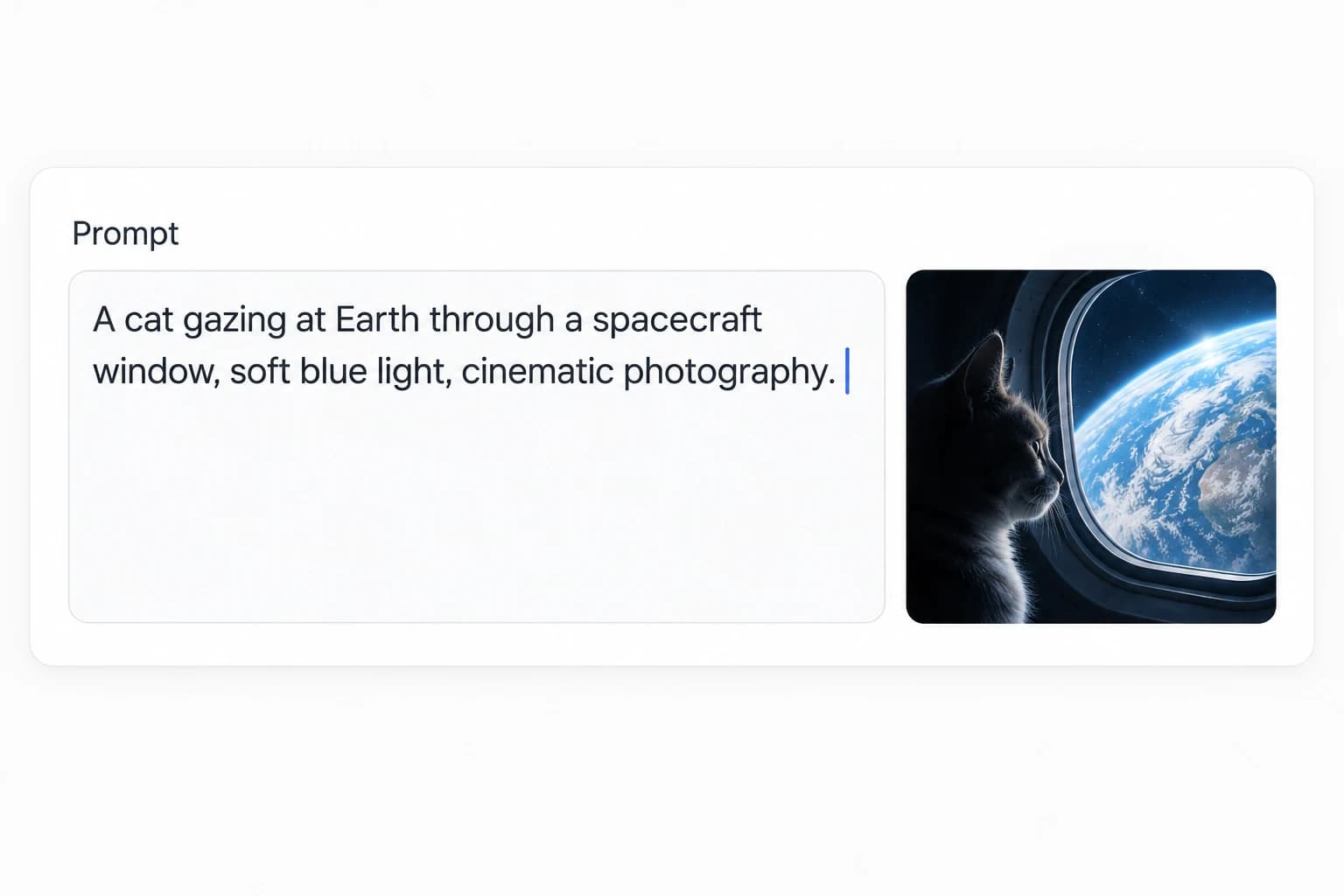
Choose your mode and write the prompt
Text to image starts from a written description. Edit image starts from a picture you upload — up to 16 reference images if you are combining sources. Choose before you write the prompt, because the two modes want different wording.
For generation, name the subject, the setting, the lighting, and the medium. For editing, name what should change and what should stay. GPT Image 2.5 is built to leave unmentioned elements alone, so saying "keep the background and the pose" is not wasted words.
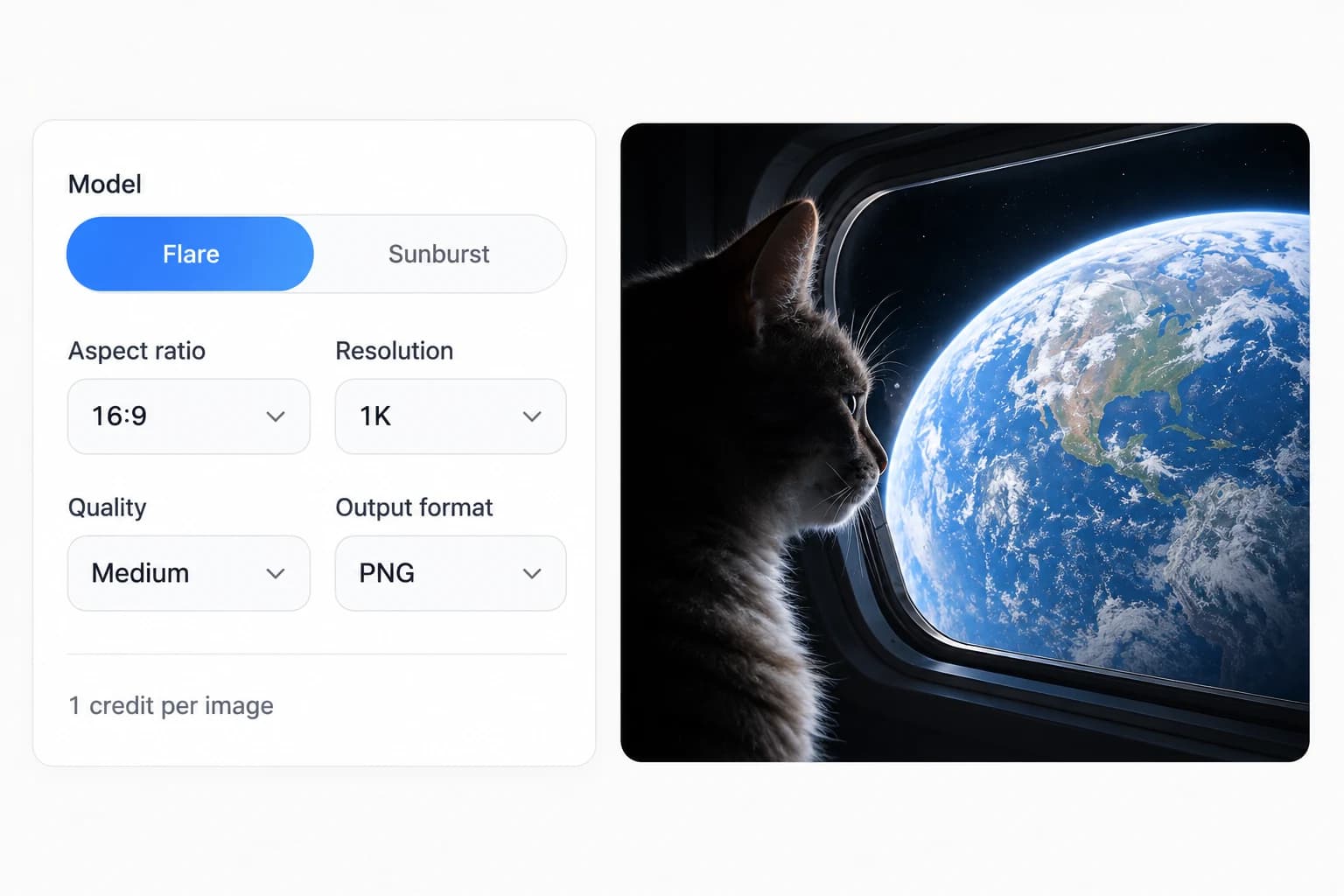
Set model, quality, and resolution
Choose Flare for speed or Sunburst for precision. Set resolution to 1K, 2K, or 4K and pick from the five GPT Image 2.5 quality settings: low, medium, high, xhigh, or max. The credit cost updates live as you change these — check it before you commit, because the gap between a 1-credit draft and a 25-credit final render is entirely in these two controls. PNG, JPEG, and WEBP are all available as output, and PNG is the one to pick if you want a transparent background.
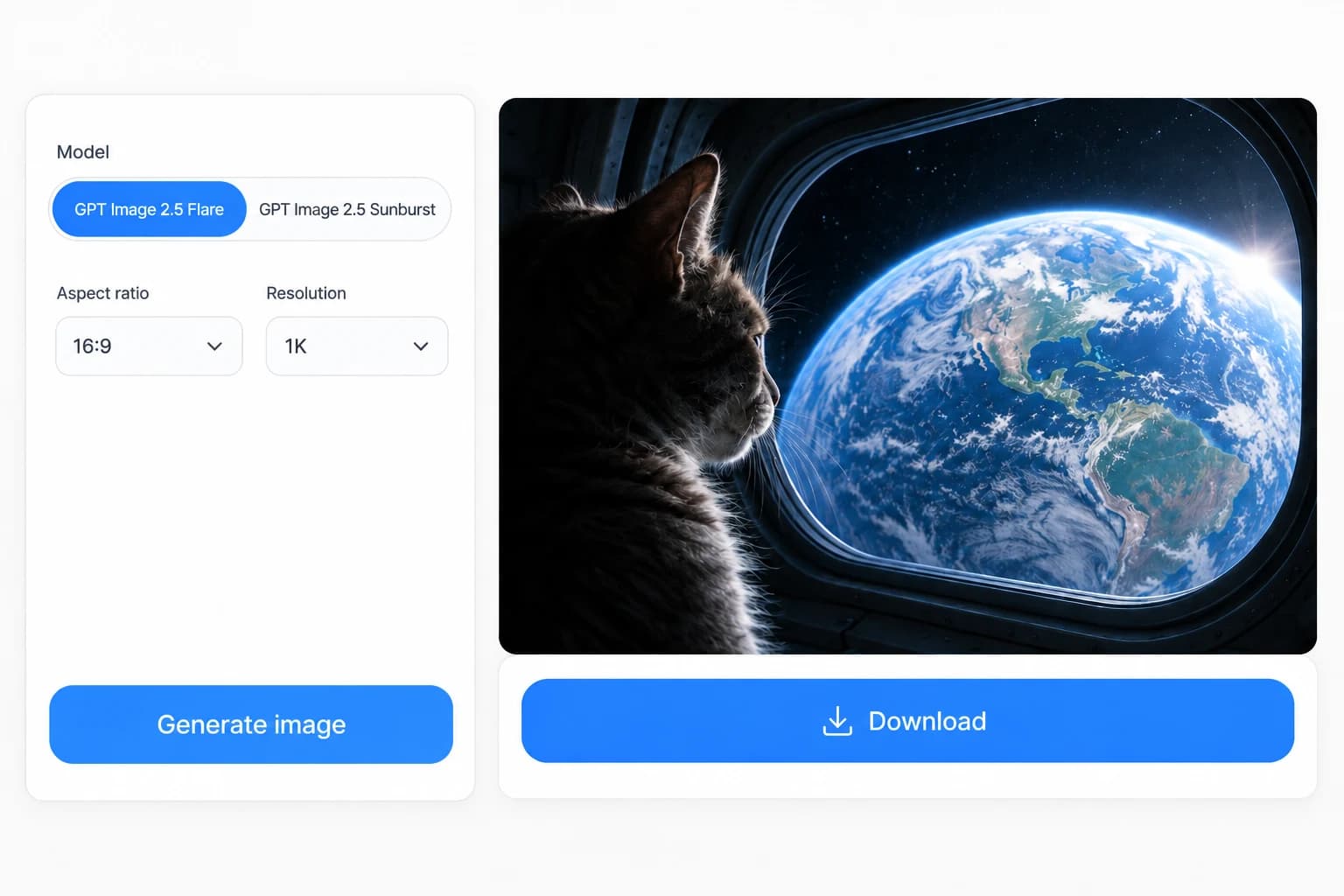
Generate, review, and refine
Generate, then compare the result against what you asked for. If it is close but not right, adjust the prompt and run it again rather than starting over. Multi-turn editing is where GPT Image 2.5 improved most — later edits build on earlier ones instead of degrading them.
Illustrated steps show the workflow; interface details may vary.
When you are happy with it, download in your chosen format. Signed-in sessions keep your GPT Image 2.5 image history, so earlier results stay available if you want to go back a step rather than re-running a prompt you already paid for. A practical habit: run the first pass at 1K and medium quality to check composition for 1 credit, then re-run the winning prompt at 4K once you are sure. Testing cheap and finishing expensive is the difference between spending 3 credits and 30 on the same final image.
GPT Image 2.5 Pricing and Free Credits
One-time GPT Image 2.5 credit packs with no subscription — you buy credits once, nothing renews automatically, and 10 credits are free when you sign up.
Starter
A small pack for your next idea.
$9.90
USD · One-time payment
- 99 credits included
- $0.100 per credit
- One-time payment, no auto-renewal
- Top up whenever you need more
- Email support
Basic
More room to explore and refine.
$29.90
USD · One-time payment
- 330 credits included
- About $0.091 per credit
- One-time payment, no auto-renewal
- Top up whenever you need more
- Email support
Best value
Plus
Our lowest cost per credit.
$49.90
USD · One-time payment
- 600 credits included
- About $0.083 per credit
- One-time payment, no auto-renewal
- Top up whenever you need more
- Email support
Full per-model, per-resolution credit tables are on the pricing page.
GPT Image 2.5 FAQ
The questions people actually search about GPT Image 2.5 — short answers first, details after.
What is GPT Image 2.5?
GPT Image 2.5 is the image generation and editing model OpenAI released on September 8, 2026, succeeding GPT Image 2. It creates images from written descriptions and edits existing photos from plain-language instructions. OpenAI describes improvements in four areas: sharper detail with more natural lighting, better preservation of subjects from reference photos, edits that change only what you specify, and instructions that hold up across a long editing session. It ships as two API variants, Flare and Sunburst. Inside ChatGPT the same rollout is called ChatGPT Images 2.5.
When was GPT Image 2.5 released?
The GPT Image 2.5 release date is September 8, 2026. It went live for ChatGPT, ChatGPT Business, and Codex users on desktop, mobile, and web on the same day, with the two API models — GPT-Image-2.5 Flare and GPT-Image-2.5 Sunburst — available to developers at launch. It replaced GPT Image 2, which OpenAI had shipped on April 21, 2026, meaning the gap between the two generations was under five months.
What is the difference between GPT Image 2.5 Flare and Sunburst?
Flare is faster and Sunburst is more precise. OpenAI calls Flare the default choice for most applications and puts its latency at up to 50% lower than GPT-Image-2, which makes it the right pick for high-volume work and rapid iteration. Sunburst takes longer on purpose and returns a step up in precision for detailed creative work — campaign assets and polished product images where the output ships as-is. Neither is better across the board: Flare gives up some fine control, Sunburst gives up speed. On this site both cost 1 credit at 1K and medium quality, but some 2K rates differ. You can run one prompt through both and compare, with each run using credits.
Is GPT Image 2.5 free?
You can use GPT Image 2.5 free here with the 10 credits a new account receives, and no card is required to sign up. At default settings — 1K resolution, medium quality — each image costs 1 credit, so 10 credits is 10 images. Beyond that, credits come in one-time packs starting at $9.90 for 99 credits, with no subscription and no auto-renewal. Inside ChatGPT, GPT Image 2.5 is available across all ChatGPT tiers. Through the OpenAI API, it is billed at OpenAI's own rates.
How much does GPT Image 2.5 cost per image?
GPT Image 2.5 costs between 1 and 25 credits per image on this site, set by the model, quality tier, and resolution you choose. A 1K image at medium quality is 1 credit; 4K at max quality is 25. Editing costs the same as generating. In dollar terms the Basic pack works out to about $0.091 per credit, so a 1-credit image is roughly nine cents and a 25-credit image is around $2.28. The credit cost for your current settings appears above the Generate button before you commit.
How do I use GPT Image 2.5 to edit a photo?
Switch to Edit image mode, upload your photo, and describe the change in plain language. You can supply up to 16 reference images if you are combining sources. The important habit is naming what should stay as well as what should change — GPT Image 2.5 is specifically built to leave unmentioned elements alone, so "change the jacket to red, keep the pose and background" works better than "change the jacket". If the first result is close, adjust the prompt and run again rather than starting over; multi-turn editing is where this generation improved most.
Can GPT Image 2.5 keep the same person across several images?
Yes — subject preservation is one of the four areas OpenAI singled out for this release. The model is better at moving a familiar subject from a reference photo into new scenes, visual styles, and compositions while keeping the features that make them recognizable. In practice this means one person, pet, or product can carry across a set of images instead of drifting into something different each time. It is not a guarantee of pixel-identical results, and complex edits still benefit from naming what must stay fixed.
Is this site operated by OpenAI?
No. This is an independent website that provides an interface to the GPT Image 2.5 models. OpenAI develops the models; we are not affiliated with them. The practical difference is in the extras: pre-made templates, image comments, and prompt sharing live in the ChatGPT app and are not available here. Sketch-to-image is available, on a drawing board this site built. What you get here is a browser-based AI image generator running Flare and Sunburst, with sketch input, and credit-based pricing that is separate from both ChatGPT subscriptions and OpenAI API billing.
Does GPT Image 2.5 add a watermark?
Images from OpenAI's tools carry C2PA metadata and an invisible watermark, which OpenAI uses to identify AI-generated content from its models. This is provenance data rather than a visible logo stamped across your image. If you are producing commercial work and need to document how an image was made, that metadata travels with the file. Check your own platform's disclosure requirements, as some marketplaces and ad networks ask you to declare AI-generated imagery separately.
Try GPT Image 2.5 Free
Ten GPT Image 2.5 credits on signup, no card — ten images at default settings, enough to run one prompt through both Flare and Sunburst and see the difference.
GPT Image 2.5 credit packs start at $9.90, one-time. No subscription, nothing auto-renews.